
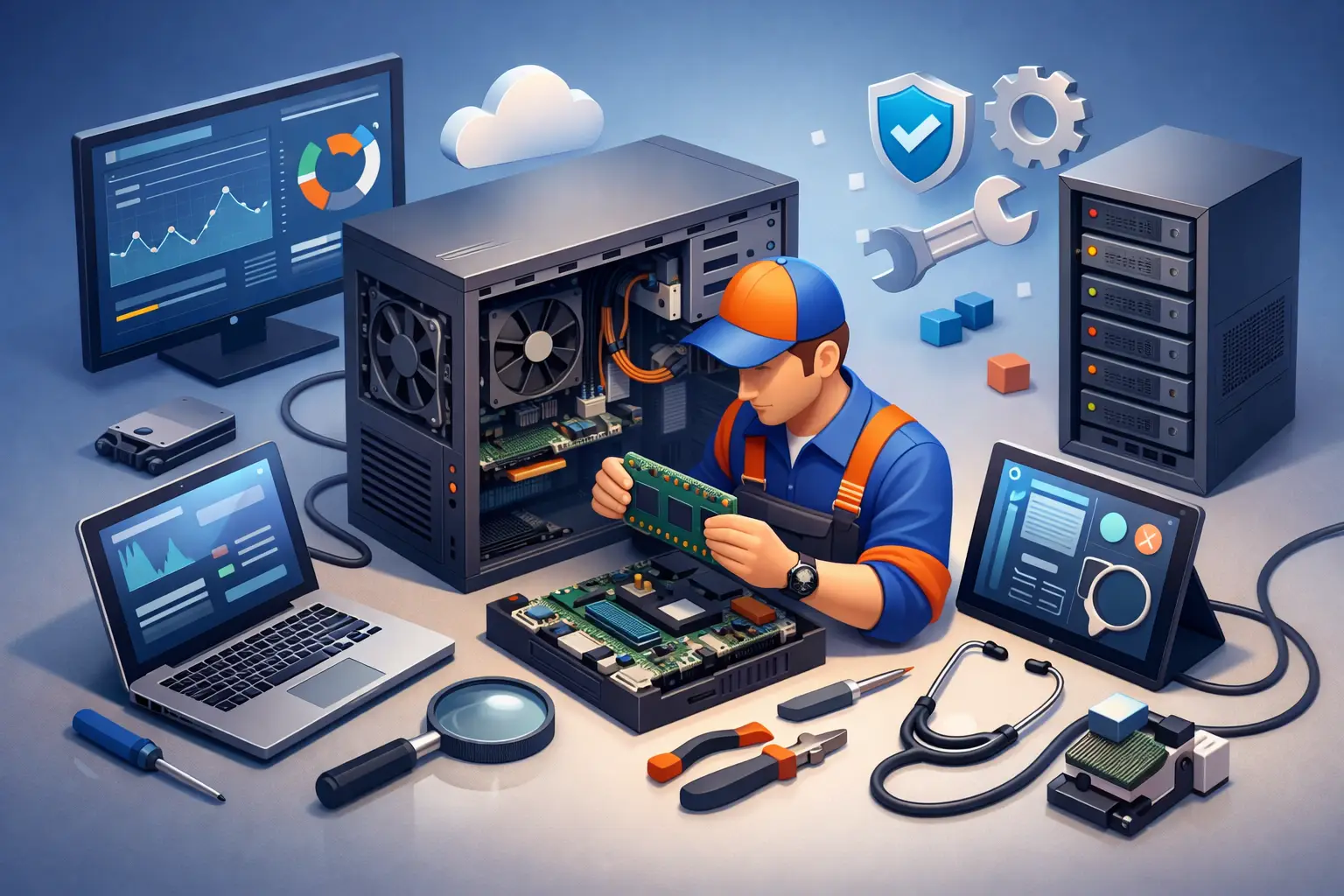
A computer that suddenly runs slow before tax time, drops off the Wi-Fi during a work call, or refuses to install updates is usually not failing out of nowhere. In most cases, it has been building up small issues for months. That is where understanding what is computer system servicing becomes useful, because it is less about one-off repairs and more about keeping your devices reliable before bigger problems start.
What is computer system servicing?
Computer system servicing is the regular maintenance, troubleshooting, repair and optimisation of a computer and its related equipment. That can include the hardware, the software, the operating system, security settings, storage, backups, peripherals, printers, internet connections and even the network the computer relies on.
In plain English, it means checking that everything is working as it should, fixing what is not, and making sensible improvements so the system stays stable, secure and practical to use. For a home user, that might mean cleaning up a slow laptop, setting up cloud backup and sorting out a printer that keeps going offline. For a small business, it could mean keeping several machines updated, protecting important files, reducing downtime and making sure staff can keep working.
The word servicing matters here. It suggests ongoing care, not just emergency help when something breaks. A repair is part of servicing, but it is not the whole story.
What computer system servicing usually includes
The exact work depends on the age of the computer, how it is used and whether it is for home or business, but most servicing falls into a few core areas.
Hardware checks and repairs
This covers the physical side of the machine. A technician may test hard drives or solid-state drives, check memory, inspect power supplies, look for overheating, replace failed parts and clean out dust that can cause poor airflow. On older systems, servicing may also involve recommending an upgrade if the current hardware is holding the machine back.
Not every slow computer needs replacing. Sometimes a simple RAM or storage upgrade can make a major difference. Other times, spending money on an ageing device no longer makes sense. Honest advice is important here, because the right choice depends on the condition of the machine and what you actually need it to do.
Software maintenance
Software servicing includes removing unwanted programs, fixing startup issues, checking driver problems, installing updates and making sure the operating system is running properly. It can also involve setting up email, business software, Microsoft 365, antivirus tools or printers and scanners.
A lot of everyday computer problems come from software conflicts rather than broken hardware. If programs are crashing, updates are failing or the machine takes ages to boot, software maintenance is often the first place to look.
Security checks
Security is a major part of modern computer servicing. This can include malware scans, antivirus setup, suspicious program removal, browser security checks, password advice and safer backup arrangements.
For home users, good servicing helps protect personal photos, banking access and email accounts. For small businesses, the stakes are often higher. One infected machine, one weak password or one missed backup can lead to lost time, lost files and serious stress.
Performance and reliability improvements
Servicing also focuses on how well the computer performs day to day. That may mean reducing startup clutter, checking storage space, tuning update settings, improving Wi-Fi stability or making sure the machine is suitable for newer software.
This is often where people notice the value most clearly. A properly serviced computer should feel faster, more stable and less frustrating to use.
Backup and data protection
A proper service should look at your data, not just the machine itself. That includes checking whether files are being backed up, whether the backup can actually be restored, and whether important data is stored in one risky place.
Many people assume their files are safe because they use one external drive or keep everything on the desktop. That is better than nothing, but it is still vulnerable. Good servicing helps reduce the risk of losing family photos, business records or school files when a drive fails or a system becomes corrupted.
Why computer system servicing matters
The biggest reason is simple. Prevention is usually cheaper, easier and less disruptive than recovery.
If a computer is only looked at once it has stopped working, there are fewer options. You may be dealing with urgent file recovery, replacement hardware, lost business time or a rushed setup on a new machine. Regular servicing lowers the chance of that happening.
It also helps you get more value from your technology. Many people put up with systems that are painfully slow, unreliable or outdated because they assume that is normal. Often it is not. The machine may just need maintenance, a sensible upgrade or a cleaner setup.
For small businesses, servicing is especially important because downtime has a direct cost. If your computer manages bookings, invoices, emails, stock, accounts or customer records, even one bad day can create a backlog that takes a week to sort out.
What is computer system servicing for home users?
At home, servicing is usually about convenience, reliability and protecting personal data. That might involve setting up a new computer, transferring files from an old one, fixing slow performance, removing pop-ups, connecting devices properly or improving home Wi-Fi.
A lot of households now rely on one or two computers for everything from schoolwork and telehealth to banking and streaming. When those systems misbehave, it affects more than just the person sitting in front of the screen.
Home servicing should be practical, not overcomplicated. Most people do not need a lecture on system architecture. They need clear advice, the problem fixed properly, and confidence that the computer will behave itself after the technician leaves.
What is computer system servicing for small business?
For small business owners, computer system servicing usually has a broader scope. It is not only about one device. It is about keeping the whole working setup dependable.
That can include multiple PCs or laptops, staff logins, printers, internet performance, cloud storage, file access, backups, security settings and software updates. If a team works from different locations, remote support and remote access may also be part of the picture.
The right servicing approach depends on the business. A sole trader may only need occasional support and backup checks. A busy office may need more regular maintenance to keep systems current and reduce interruptions. There is no one-size-fits-all plan, which is why tailored support matters.
Signs your computer system needs servicing
Sometimes the warning signs are obvious. Sometimes they are easy to ignore until they become expensive.
If your computer is taking much longer to start, freezing more often, running unusually hot, making strange noises or struggling with basic tasks, it likely needs attention. Repeated update failures, internet dropouts, printer issues, low storage space, pop-ups and login troubles are also common signs.
For business users, other red flags include staff sharing passwords, no clear backup routine, ageing machines that cannot handle current software, or a setup that only one person understands. Those issues can sit quietly in the background for months, then cause real trouble at the worst possible time.
Repair, upgrade or replace?
This is one of the most common questions in computer servicing, and the honest answer is that it depends.
If the machine is reasonably modern and the problem is limited to storage, memory, software clutter or a failed part, repairing or upgrading it can be good value. If the computer is already old, unsupported or too underpowered for what you need, replacement may be the better long-term option.
The cheapest option upfront is not always the cheapest over time. Putting money into a machine that will keep causing problems is frustrating. On the other hand, replacing a computer too early can be unnecessary if a straightforward service would have sorted it.
This is where local, service-first advice makes a real difference. A good technician explains the options in plain English and tells you what makes sense for your situation, not just what sounds impressive.
Choosing the right support
Computer system servicing works best when it fits around real life. For many households and small businesses, hauling equipment to a shop is inconvenient and sometimes not practical at all. On-site support can save time, especially when the issue involves printers, modems, Wi-Fi coverage or multiple devices working together.
It also helps to choose someone who looks at the full setup rather than only the obvious symptom. A slow laptop might be a storage problem, but it could also be tied to malware, bad update settings, poor backup habits or an internet issue being mistaken for a computer fault.
That is why many local customers prefer a provider such as AllTec Computer Services that can handle the practical side of repairs, upgrades, setup and ongoing support in homes and small businesses across the region.
Computer system servicing is really about keeping technology useful, dependable and suited to the way you live or work. If your setup has been getting by rather than running well, a proper service can often save you a lot of time, stress and avoidable expense later on.