
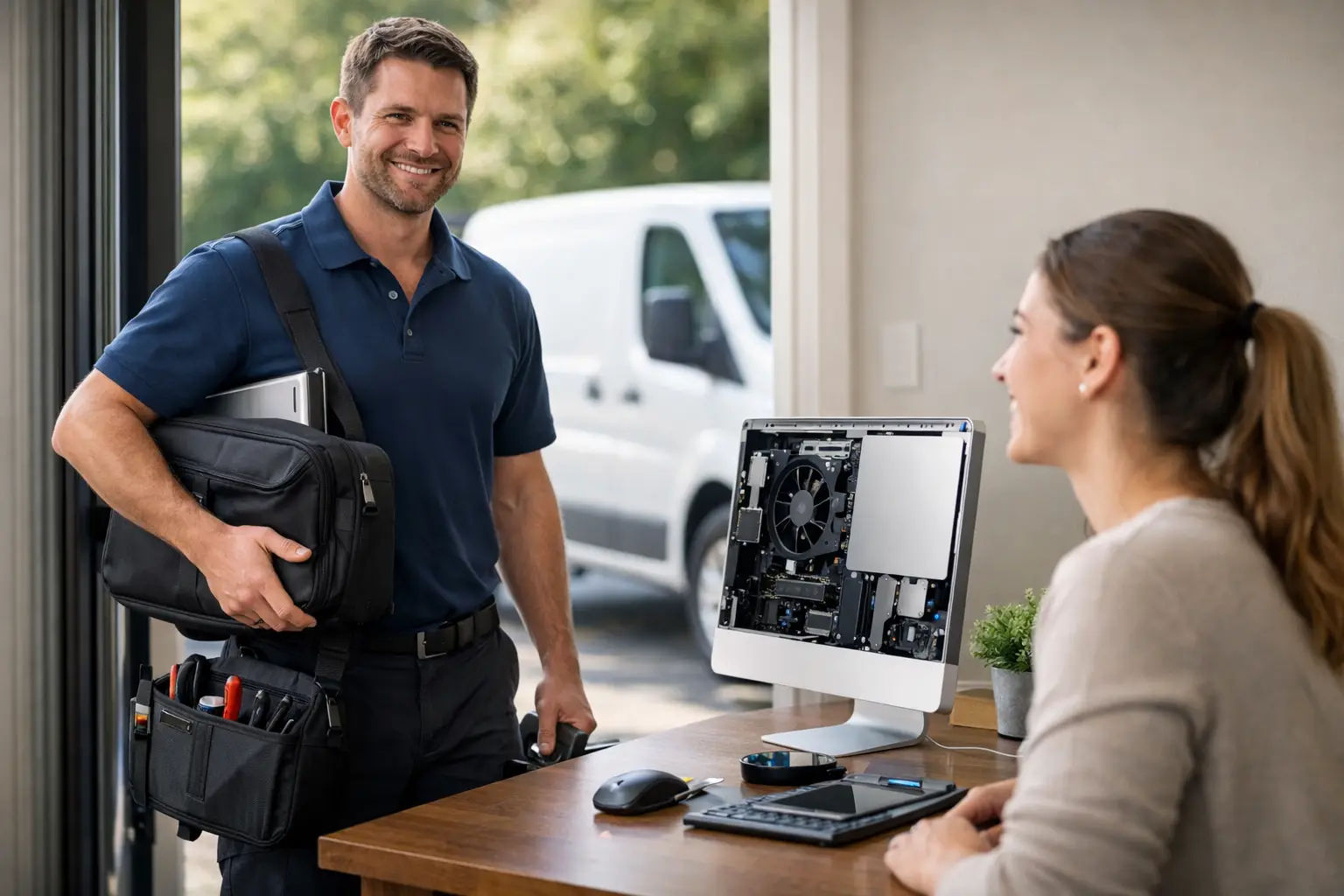
A slow laptop the night before invoices need to go out, a desktop that refuses to start, Wi-Fi that drops out in the back office – these are the moments when good computer repair and services matter most. For many homes and small businesses around Caboolture and Moreton Bay, the real issue is not just the fault itself. It is the lost time, the disruption, and the hassle of disconnecting everything and taking it somewhere for diagnosis.
That is why practical, local support still makes a big difference. When a technician can come to you, see the full setup, and fix the actual cause rather than just the symptom, problems are often solved faster and with less back and forth. For home users, that might mean getting a family PC running properly again. For a small business, it can mean avoiding a full day of downtime.
What good computer repair and services should actually include
A lot of people hear the word repair and think only of broken screens, failed hard drives, or machines that will not power on. Those jobs are certainly part of it, but reliable support usually goes further than a single fix. Most computer problems sit somewhere between hardware, software, internet setup, user habits, and system age.
A computer that feels unusably slow, for example, may not need replacing. It might need a solid-state drive upgrade, more memory, startup clean-up, malware removal, or a proper health check. On the other hand, if the machine is well past its useful life, continuing to patch it can cost more in time and frustration than moving to a better option.
That is where honest advice matters. A good technician should tell you when a repair makes sense, when an upgrade is the smarter choice, and when replacing the system will save you money over the long run. That advice is especially valuable for customers who do not want a sales pitch. They just want the problem sorted properly.
Why on-site support suits local homes and businesses
For many customers, convenience is not a bonus. It is the main reason they call for help. A tower computer under a desk, a printer connected to a home office, or a business setup with several devices and a modem in another room is not always easy to unplug and transport. Even if you can move it, the fault may only appear when everything is connected together.
On-site service gives a technician the chance to check the whole environment. They can see how the computer connects to the printer, whether the router is in a poor spot, whether the Wi-Fi extender is doing more harm than good, or whether a software issue is affecting several users at once. That broader view often leads to a better fix.
For regional and outer suburban customers, it also removes a common barrier to getting help at all. When support comes to your home or workplace, you are more likely to deal with small issues before they become expensive ones.
Common problems that need more than a quick restart
Some faults are obvious. Others build slowly over weeks or months until they become impossible to ignore. One of the most common examples is a computer that starts taking longer and longer to boot up. People often put up with it for ages, assuming that older computers are just meant to be slow. In reality, there may be a straightforward fix.
Malware and unwanted software are another frequent cause of poor performance. Pop-ups, browser redirects, suspicious warnings, and unexplained slowness can all point to a deeper issue. Removing the visible problem is one part of the job. Checking that security software is working properly, applying updates, and making sure the machine is safe to use again is just as important.
Then there are the practical setup problems that are not dramatic, but still affect daily life. Emails not syncing, a new printer refusing to connect, files stuck on an old laptop, cloud storage not configured properly, or a Windows upgrade that has gone wrong – these are exactly the jobs that waste hours when you try to sort them alone.
Repair, upgrade or replace – it depends on the machine
Not every computer should be repaired, and not every old computer should be retired. The right choice depends on age, condition, what you use it for, and how much performance you really need.
If a system is only a few years old, an upgrade can often deliver excellent value. Replacing an older hard drive with a faster solid-state drive and adding memory can make a machine feel dramatically better for everyday tasks. For a home user checking email, browsing, managing photos, and doing basic documents, that may be all that is needed.
For a business machine, the decision can be different. Reliability matters more than squeezing a bit more life out of ageing hardware. If downtime is costly, replacement may be the safer option, particularly when parts are becoming unreliable or the device no longer supports current software properly. The best support is not about pushing the cheapest or most expensive outcome. It is about matching the solution to the way you actually use the computer.
Computer repair and services for small business continuity
Small business owners usually do not need complicated IT language. They need systems that work when the day starts. If a point-of-sale computer fails, files cannot be opened, or the office network becomes unstable, the impact is immediate.
This is why business-focused computer repair and services should look beyond the faulty device. They should consider backups, software licensing, shared file access, internet reliability, security, and whether there is a simple plan in place if something fails again. A repair that gets one PC running but ignores the backup problem behind it is only half a job.
For many local businesses, ongoing support does not need to mean a large managed IT contract. It can simply mean having a trusted technician who already understands your setup, can provide remote help when suitable, and can attend on-site when hands-on work is needed. That kind of relationship saves time because you are not starting from scratch each time something goes wrong.
The value of plain-English advice
One of the biggest frustrations customers have with technology support is feeling talked down to or buried in jargon. Most people are not trying to become IT experts. They want clear answers to basic questions. What caused the problem? Can it be fixed? How much is it likely to cost? Is there anything I should do differently next time?
Straightforward communication builds trust. It also helps customers make better decisions. If you understand why your Wi-Fi struggles in one part of the house, or why an old laptop is no longer a good fit for work, you are far more likely to choose a solution that lasts.
That local, practical approach is why many people prefer dealing with an established family-run provider rather than a distant call centre. Businesses such as AllTec Computer Services have built their reputation on showing up, explaining the issue clearly, and tailoring the fix to the customer rather than forcing a one-size-fits-all answer.
What to look for before you book a technician
Not all support services are the same, even when they offer similar tasks on paper. Experience matters, but so does the way the service is delivered. A technician who can repair a machine in a workshop is not always the same person who can walk into a home office, diagnose a networking problem, help transfer data to a new device, and explain everything without confusion.
It is worth choosing someone who offers both repair and broader support. That might include software installation, system upgrades, Windows 11 assistance, data transfers, email setup, cloud storage configuration, printer connections, and internet troubleshooting. These services often overlap, and dealing with one provider can make the process much easier.
Local knowledge also helps. In regional areas and growth corridors, internet quality, property layouts, and travel distances can all shape the best solution. A provider who regularly works across homes, small offices, rural properties, and mixed-use spaces will usually have a more practical understanding of what works in the real world.
When technology lets you down, the best support is not flashy. It is reliable, honest, and easy to deal with. Whether you need a failing PC repaired, a faster setup for working from home, or help getting a small business network back on track, the right service should leave you with less stress and a system that simply works better tomorrow than it did today.