
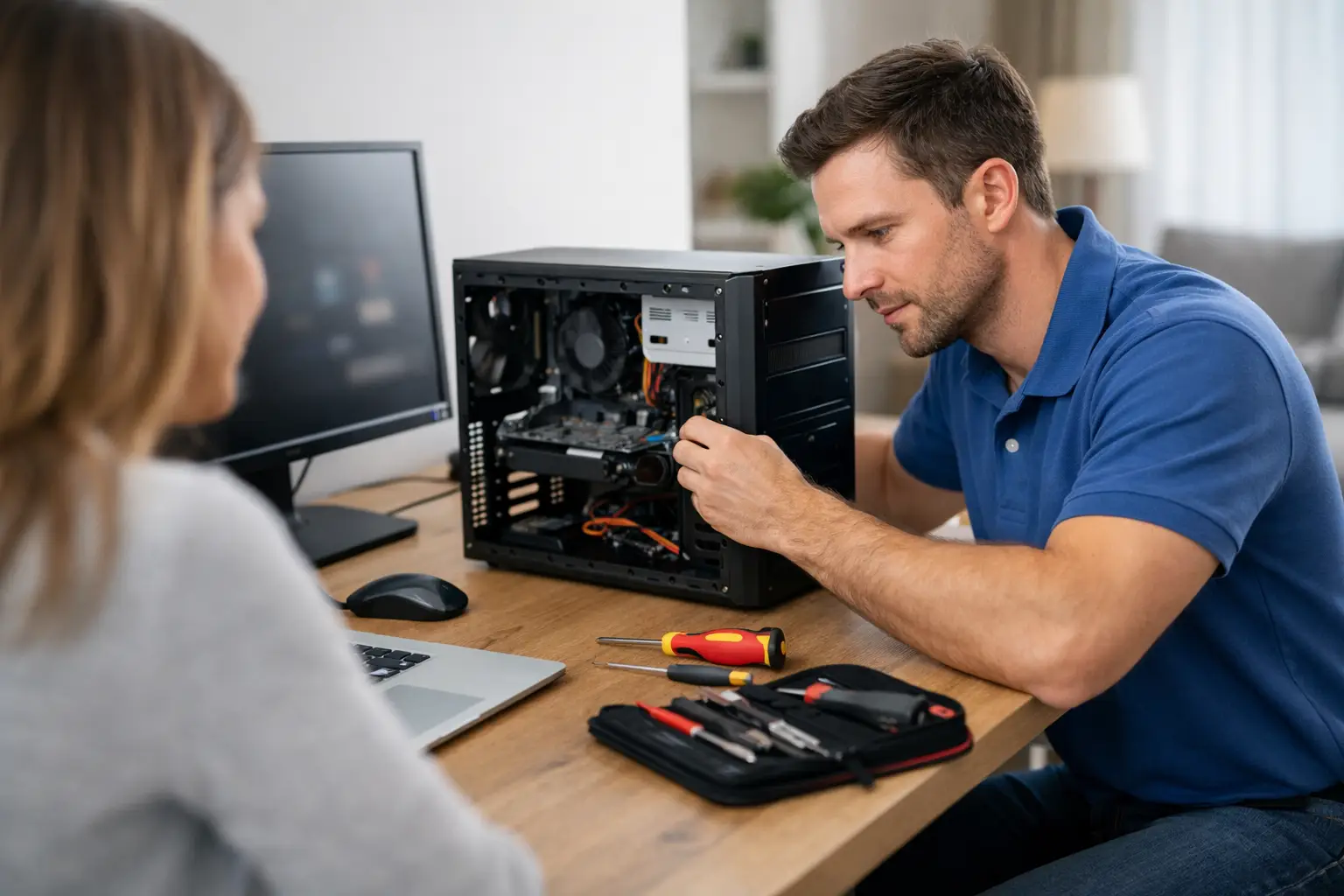
A computer problem rarely arrives at a convenient time. Your laptop may refuse to start before an online appointment, the office printer may stop talking to the network, or a slow desktop may make simple jobs take far too long. A local computer technician can take the pressure off by finding the cause, explaining the options clearly and getting your technology working properly again.
For many home users and small businesses, the best support is not just a repair carried out in a workshop. It is practical help where the computer is used, with the printer, modem, Wi-Fi and other equipment close by. That makes it easier to solve the whole problem, rather than only the symptom.
What a computer technician can help with
Computer support covers far more than replacing a faulty part. The right solution depends on the age of the device, what you use it for and whether the issue is caused by hardware, software, the internet connection or a combination of all three.
Slow computers and start-up problems
A slow computer does not always need to be replaced. It may have too many programs opening at start-up, a nearly full storage drive, outdated software, failing hardware or unwanted programs running in the background. A technician can check what is causing the slowdown and recommend a sensible fix.
Sometimes an upgrade offers excellent value. Adding more memory or replacing an old hard drive with a solid-state drive can make an older desktop or laptop feel noticeably faster. Other times, particularly with very old machines that cannot run current software securely, replacement may be the more practical choice. Honest advice should consider the cost of the work against how much useful life the computer has left.
If a computer will not turn on, keeps restarting or shows error messages, the problem may be a power supply, battery, storage drive, Windows issue or damaged component. Testing the machine properly matters. Replacing parts by guesswork can cost more and still leave the original fault unresolved.
Windows updates, upgrades and software issues
Windows updates are meant to improve security and reliability, but they can occasionally expose an existing problem with drivers, storage space or older software. A technician can help with updates that fail, programs that no longer open and computers that become unstable after changes.
Windows 11 upgrades deserve a little planning. Not every computer is suitable, and forcing an upgrade onto unsupported hardware can lead to frustration later. A proper assessment looks at compatibility, available storage, performance and the programs you rely on. Before major changes, important files should be backed up so there is a safe path forward if something does not go to plan.
Software installation is another area where local help can save time. Whether it is email, accounting software, antivirus protection, video calling or a new printer application, the job is not complete until the program is set up correctly and you know how to use the basics.
Virus removal and account security
Unexpected pop-ups, browser redirects, strange emails sent from your address or a computer that suddenly runs slowly can be signs of malware. Some warnings are fake and designed to make you call a questionable support number or hand over payment details. If a message claims your computer is infected and demands immediate action, it is wise to pause before clicking anything.
A technician can remove unwanted software, check security settings and help protect the device from repeat issues. However, malware removal is only one part of the job. Passwords may need changing, software may need updating and online accounts may need extra protection. If banking, business records or customer details are involved, acting quickly is especially important.
Data transfer and new computer setup
Buying a new computer should feel like an improvement, not a weekend spent trying to find old photos and email settings. A complete setup can include transferring documents, pictures and other personal files, installing the software you need and connecting printers, email and cloud storage.
Data transfer needs care because not every old file should automatically be copied across. A cluttered computer may contain duplicate files, outdated programs and unwanted items. The aim is to move what is valuable while giving the new system a clean, organised start.
For a small business, setup may also involve shared folders, staff email, accounting programs, network printers and backup arrangements. These details are easy to overlook until someone cannot access an important file on a busy workday.
Why on-site support makes a difference
Taking a computer to a shop can be useful for some repairs, but it does not always reveal the full picture. A laptop may work perfectly on a workshop bench but lose its Wi-Fi connection at home. A printer issue may actually be caused by the router, weak wireless coverage or a changed network password.
On-site support allows the technician to see how the equipment works in your home or office. They can test the Wi-Fi where you actually use it, check how devices connect and identify interference or coverage gaps. This is particularly helpful in larger homes, sheds, granny flats and small offices where one modem may not reliably cover every room.
For people in Caboolture, Morayfield, Wamuran, Woodford, Elimbah and Kilcoy, mobile support also removes the trouble of disconnecting cables, lifting a desktop into the car or trying to describe a problem from memory. Where appropriate, remote support can handle smaller software issues without waiting for a visit.
Network, Wi-Fi and printer problems
When several devices have trouble getting online, the computer itself may not be the problem. Modems, routers, network settings, internet providers and Wi-Fi range can all play a part. A technician can check the connection, improve wireless coverage and make sure computers, mobiles, smart TVs and printers are connected securely.
There is no single answer for every property. A basic modem restart may solve an occasional drop-out, while a home with weak signal at the far end may need better placement, a mesh Wi-Fi system or a wired connection for key equipment. The best option depends on the building layout, the number of devices and how reliable the connection needs to be.
Printers are another common source of frustration. They can appear offline, print blank pages, lose their connection after a router change or work from one computer but not another. Getting a printer working often means checking both the printer and the network, then confirming that each person who needs it can print successfully.
When to repair, upgrade or replace
A good technician should not push a new computer when a repair will do. Equally, spending money repeatedly on an ageing machine can be false economy. The decision usually comes down to performance, reliability, security requirements and the cost of the work.
Repair is often worthwhile when a machine is otherwise suitable and has a clear fault, such as a damaged charging port, failed drive or software issue. An upgrade can be a smart middle ground if the computer is in good condition but needs more speed or storage. Replacement makes more sense when the device is too old for supported software, has several faults or no longer meets the demands of your work.
If replacement is the right call, consider how the computer will be used. A home user who manages email, photos and web browsing has different needs from a business owner running multiple programs, video meetings and shared files. Custom-built computers, new systems and quality refurbished options each have a place. The goal is dependable equipment that suits your budget without paying for features you will never use.
How to get the most from a service visit
Before a technician arrives, write down the main problems and any error messages you have seen. If the issue is intermittent, note when it happens and what you were doing at the time. Keep passwords available if you are comfortable providing them during setup, but never share banking PINs or sensitive security codes.
It also helps to mention connected devices that are causing trouble, such as a printer, external drive or Wi-Fi extender. A clear picture of the problem can reduce time spent troubleshooting and make sure the visit addresses what matters most to you.
Technology should support your day, not create another job to manage. Whether you need a repair, a faster computer, better Wi-Fi or help setting up a new device, AllTec Computer Services can provide practical local support and explain the next step in plain English.