
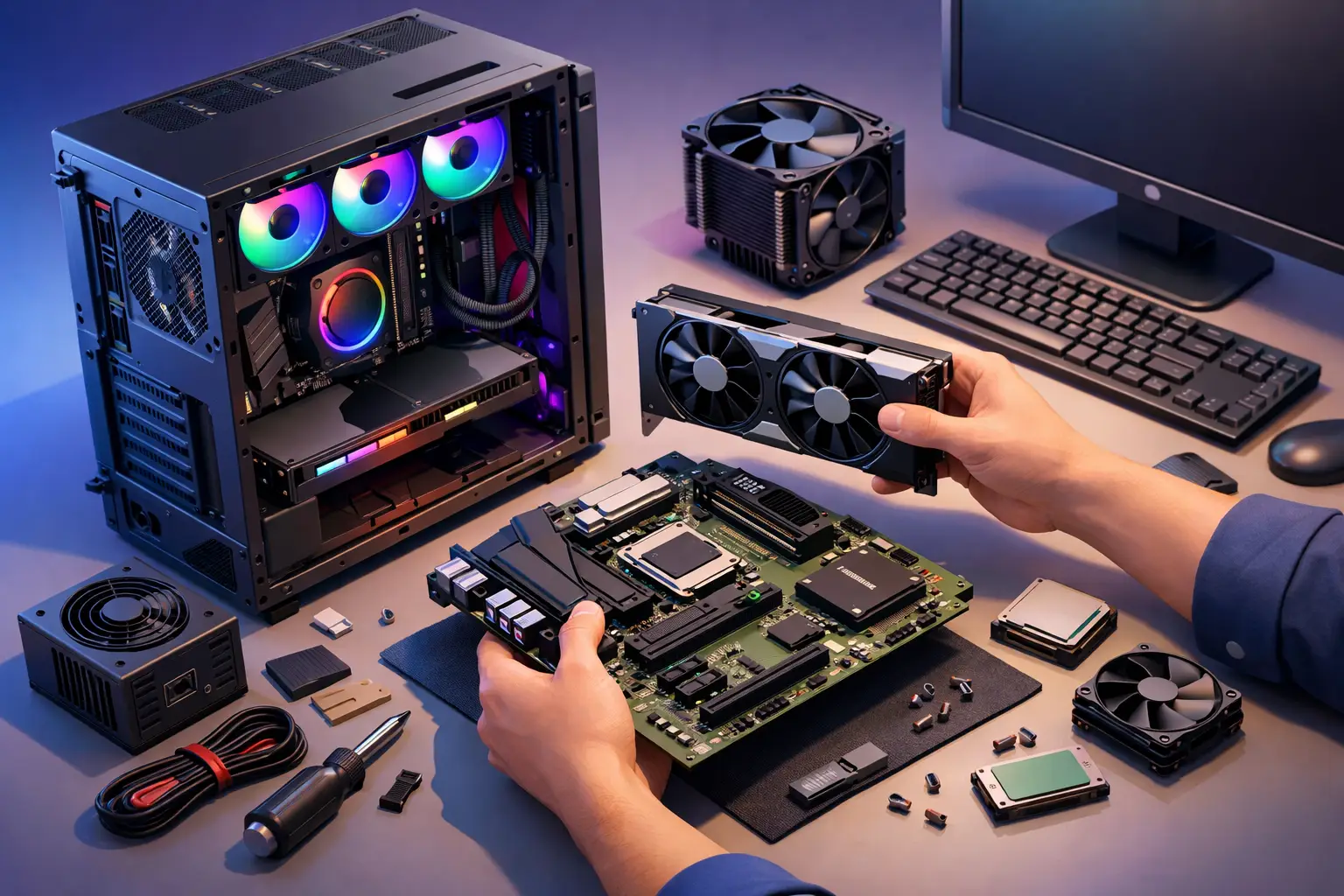
A custom computer can be a smart buy, but only if the parts suit the way you actually use it. We often hear from people who want to know how to build custom computer systems for gaming, work, study or a home office, and the biggest mistake is usually the same – spending too much on the wrong component while overlooking the basics that affect day-to-day performance.
If you are planning a new PC, it helps to think less like a technician and more like a practical buyer. What software do you use? How many screens do you need? Do you want a quiet machine for the study, or something with enough graphics power for design work and gaming? A good custom build is not about chasing the most expensive parts. It is about getting a reliable system that feels fast, stable and fit for purpose.
How to build custom computer systems with a clear plan
Before looking at parts, start with the job the computer needs to do. A family desktop for email, banking and web browsing has very different needs from a business PC running accounting software all day, or a gaming setup pushing high frame rates. If your work involves photo editing, video meetings, large spreadsheets or point-of-sale software, those details matter.
Budget matters too, but so does value. A cheaper build can become expensive if it struggles after 12 months or needs early upgrades. On the other hand, paying top dollar for hardware you will never fully use is not good value either. The sweet spot is usually somewhere in the middle – enough performance for now, with sensible room for growth.
There is also the question of lifespan. Some people are happy with a machine that covers the next two to three years. Others want something that will stay capable for five years or more. That choice affects the motherboard, processor, power supply and whether future upgrades will be straightforward.
Start with the processor and motherboard
The processor is the brain of the system, and it sets the tone for the whole build. For everyday home use, a mid-range processor is often more than enough. For gaming, content creation or heavy office multitasking, you may want something stronger with more cores and better long-term headroom.
The motherboard needs to match that processor, but compatibility is only part of the story. A basic motherboard may work fine for a simple home PC, but if you want more USB ports, faster storage options, built-in Wi-Fi or support for future upgrades, a better board can save frustration later. This is one of those areas where the cheapest option is not always the best one.
It is also worth checking what features you will use in real life. Many buyers do not need premium overclocking features or flashy extras. They do need stable performance, enough connections and a layout that supports the parts they want to add.
Memory and storage are where speed is felt
If a computer feels slow in daily use, memory and storage are often the reason. For most users, 16GB of RAM is now a comfortable baseline. It gives the system enough breathing room for web browsers, office programs, video calls and general multitasking. For heavier workloads, 32GB may make more sense.
Storage is one area where there is little reason to cut corners. A solid-state drive makes a major difference to startup times, file access and overall responsiveness. Traditional hard drives still have a place if you need lots of cheap storage, but for the main operating system drive, an SSD is the better choice.
A common approach is to use a fast SSD for Windows and everyday programs, then add a larger secondary drive if needed for photos, videos or business files. That setup balances speed and cost without making the system feel sluggish.
Graphics: only pay for what you need
This is where many builds go off track. If you play modern games, use 3D software or work with video editing, a dedicated graphics card can be essential. If your computer is mainly for email, browsing, bookkeeping and streaming, you may not need one at all.
Spending heavily on graphics when your main workload is office tasks does not make much sense. That money may be better spent on a stronger processor, more storage or a better monitor. On the flip side, underestimating graphics needs can leave gamers and creative users disappointed.
This is why use case comes first. The right graphics option depends on what you run, what resolution you use and whether smooth gaming or design performance matters to you.
The case, cooling and power supply matter more than people think
A computer case is not just about appearance. It affects airflow, dust control, noise levels and how easy the machine is to service later. A cramped case can make upgrades harder and lead to poor cooling. A well-designed case keeps parts running at safer temperatures and is usually easier to clean.
Cooling also matters. Many standard builds do perfectly well with quality air cooling, especially for home and office use. More advanced cooling can be useful in high-performance systems, but it is not automatically better for every build. Sometimes simple, quiet and reliable is the smarter choice.
The power supply is one part that should never be treated as an afterthought. A poor-quality unit can cause instability and shorten the life of other components. A good power supply gives the system clean, consistent power and leaves room for future upgrades. It is not the exciting part of the build, but it is one of the most important.
How to build custom computer setups without compatibility headaches
When people ask how to build custom computer systems, compatibility is usually what worries them most. Fair enough. A processor has to match the motherboard socket. The case has to fit the motherboard size and graphics card length. The power supply needs the right wattage and connections. The memory has to be supported by the board. Even small details, such as cooler clearance, can catch people out.
That does not mean custom builds are risky. It just means the parts need to be chosen as a complete system, not as separate bargains found one by one. A good build works because each component supports the others.
Software should be part of the planning too. Think about your Windows version, backup setup, antivirus, cloud storage, printers and any business-specific programs. Hardware is only half the story if the machine still needs to be ready for work or home use on day one.
Building it yourself versus getting expert help
There is nothing wrong with building your own PC if you enjoy the process and are comfortable troubleshooting. For some people, that is part of the appeal. You get full control over the parts and a better feel for how the machine works.
But there is a trade-off. If something does not post, runs hot or behaves oddly, you need the time and confidence to sort it out. That is fine for an enthusiast. It is less appealing if you simply need a dependable computer for business, school or the household and want it working properly from the start.
That is where local support can make a real difference. A professionally built custom computer should arrive with compatible parts, proper setup and practical advice based on how you actually plan to use it. For many homes and small businesses, that peace of mind is worth far more than the small saving of doing it all alone.
What a smart custom build looks like
A good custom computer is balanced. It starts quickly, runs the programs you need without fuss, stays reasonably quiet and gives you room to grow. It does not waste money on flashy extras if your priority is reliability. It also does not skimp on the hidden pieces that affect performance and longevity.
For a home user, that might mean a solid mid-range PC with an SSD, enough RAM and simple backup options. For a small business, it may mean dependable multitasking, dual-screen support, secure storage and software set up properly from the outset. For a gamer or creative user, it may mean putting more of the budget into graphics and cooling while keeping the rest of the system strong enough to keep up.
At AllTec Computer Services, we see the best results when people start with the outcome they want rather than the parts list they found online. That usually leads to fewer headaches, better value and a computer that still feels right long after the novelty wears off.
If you are weighing up a custom build, keep it simple – choose parts for the work you actually do, leave room for the future, and do not be afraid to ask for honest advice before you spend the money.