
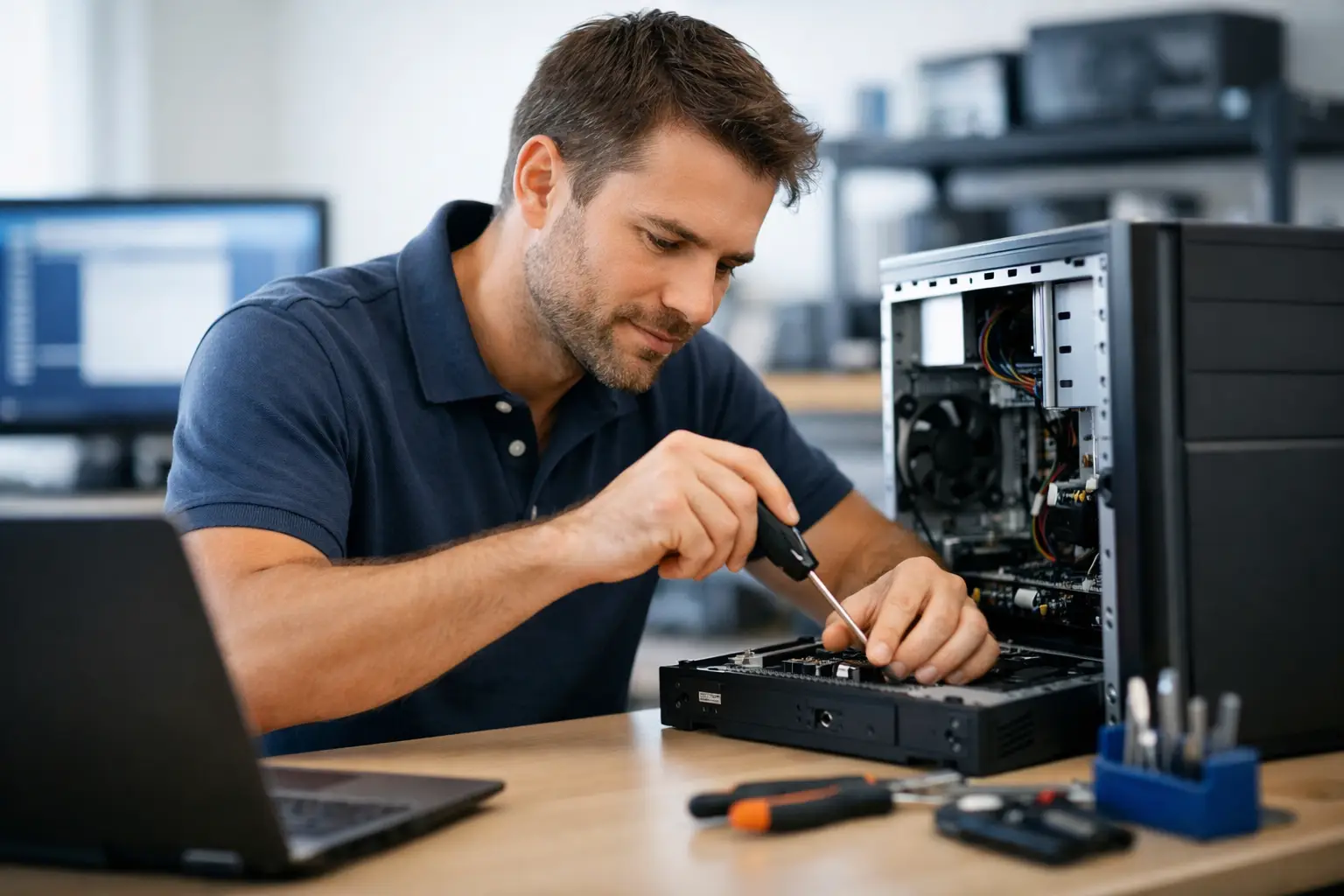
A computer problem rarely arrives at a convenient time. It might be an invoice that will not send, family photos you cannot find, a laptop that takes ten minutes to start, or Wi-Fi that drops out halfway through a video call. For dependable computer repairs Woodford residents can turn to, the best outcome is not simply getting a device switched back on. It is having someone identify the cause, explain the options clearly and provide a fix that suits how you use your technology.
At AllTec Computer Services, we come to you. That means less time unplugging cables, packing a desktop into the car or trying to describe a problem from a counter at a shop. Whether you need help at home, on a rural property or in a small business, practical local support can make a frustrating issue far easier to manage.
When a computer issue needs attention
Not every warning message means your computer is about to fail. A simple restart, an update or clearing out unwanted files can sometimes solve a minor issue. But repeated problems are worth checking before they lead to lost time, lost data or a more costly repair.
Common signs that it is time to arrange computer help include:
- A desktop or laptop that is unusually slow, freezes or restarts without warning.
- Pop-ups, unfamiliar programs, browser redirects or concerns about viruses and scams.
- A computer that will not connect reliably to Wi-Fi, printers, email or cloud storage.
- A damaged screen, failing hard drive, noisy fan, charging problem or device that will not start.
- Files, photos or business records that have disappeared or will not open.
The cause is not always obvious. A slow computer could be short on storage, affected by unwanted software, running an ageing hard drive or simply due for an upgrade. Wi-Fi trouble may be the computer, router placement, modem settings or the size and layout of the property. A proper check avoids paying for the wrong solution.
Computer repairs in Woodford that fit the problem
Good computer repairs start with listening. A home user may just want their laptop to work reliably for banking, email and photos. A local business may need email restored quickly, staff devices connected, files protected and downtime kept to a minimum. Those needs are different, so the advice should be different too.
For some faults, repair is the sensible option. Removing malware, replacing a failed drive, resolving software conflicts or repairing a connection issue can extend the useful life of a device. For other machines, particularly older computers that struggle with current software, investing further in repairs may not offer good value.
That is where honest advice matters. If an upgrade will give your existing computer a useful second life, it may be the right path. Extra memory, a solid-state drive or a clean Windows installation can make a noticeable difference to speed and reliability. If the hardware is no longer suitable, a new or refurbished computer set up for your needs may be a better long-term choice.
Repairs, upgrades or replacement?
There is no one answer for every computer. The decision depends on the age of the device, the type of fault, its specifications and what you need it to do.
A computer used for web browsing, documents and email may continue to serve well after a targeted upgrade. A machine used for business accounts, large photo files, design work or multiple programs at once may benefit from newer hardware. If the computer is running an operating system that is no longer supported, planning an upgrade is also worth considering rather than waiting for a failure.
The right technician should explain the trade-off in plain English. You should know what is causing the problem, what the repair involves and whether there is a more practical alternative. No confusing jargon and no pressure to replace equipment that still has plenty of useful life.
On-site support saves the hassle
Taking a computer to a workshop is not always straightforward. Desktop PCs have monitors, cables, printers and accessories to disconnect. Network faults can be difficult to reproduce once the equipment has been moved. For many people, getting a device into the car is the hardest part of arranging a repair.
On-site support is especially helpful when the issue involves more than one device. A technician can see how your modem, router, printer, desktop, laptop and mobile devices work together in the actual space where you use them. That makes it easier to find a weak Wi-Fi area, a printer connection problem or a setup that is causing repeated interruptions.
For small businesses, an on-site visit can also reduce disruption. A problem with a shared printer, office network, email configuration or staff computer often needs to be assessed in context. Fixing the immediate fault is important, but so is checking that the same issue will not affect the next person who logs in.
Help beyond a broken computer
Many calls for computer repairs lead to a broader improvement that makes daily technology easier. Once a computer is running properly, it may be the right time to transfer files to a new device, set up a sensible backup routine, improve wireless coverage or organise cloud storage.
Data protection deserves particular attention. Photos, family records, customer files and business documents are often only noticed when they are unavailable. A backup is useful only if it is current, accessible and separate from the computer that could fail. Depending on your needs, that may mean an external drive, cloud storage or a combination of both.
New equipment also needs to be set up properly. Installing software, transferring data, connecting printers, configuring email and making sure security settings are in place can take longer than expected. Having this handled at the start helps your new computer feel ready to use rather than like another job waiting on the kitchen table.
What to do before your repair visit
You do not need technical knowledge to prepare for a computer repair. If your computer still starts, make a note of the messages you see and when the issue happens. Tell the technician whether the problem began after a power outage, software update, new program or accidental knock. Small details can help narrow down the cause.
If possible, have your passwords available for important services such as email, Microsoft accounts or internet provider settings. Do not send passwords by email or leave them written where others can see them. You may simply need to enter them yourself during the visit.
It is also helpful to mention anything connected to the computer, such as a printer, external drive, scanner, modem or backup device. A fault that appears to be with the computer can sometimes be linked to one of these connected items.
Local support for homes and small businesses
Woodford homes and businesses need technology that works without becoming a full-time project. Some customers need patient help with a first laptop, email access or photo transfer. Others need reliable computers and networks to keep a business moving. Both deserve responsive service and advice that makes sense.
Choosing local, mobile computer support means dealing with someone who understands that getting the job done matters more than showing off technical knowledge. The aim is straightforward: restore what is not working, improve what is holding you back and leave you confident about what to do next.
If your computer is slow, unreliable or simply no longer doing what you need, arranging help early can save a great deal of frustration. A practical check at your home or workplace may be all it takes to turn a troublesome device back into something you can rely on.