by | Oct 9, 2026 | Computer services
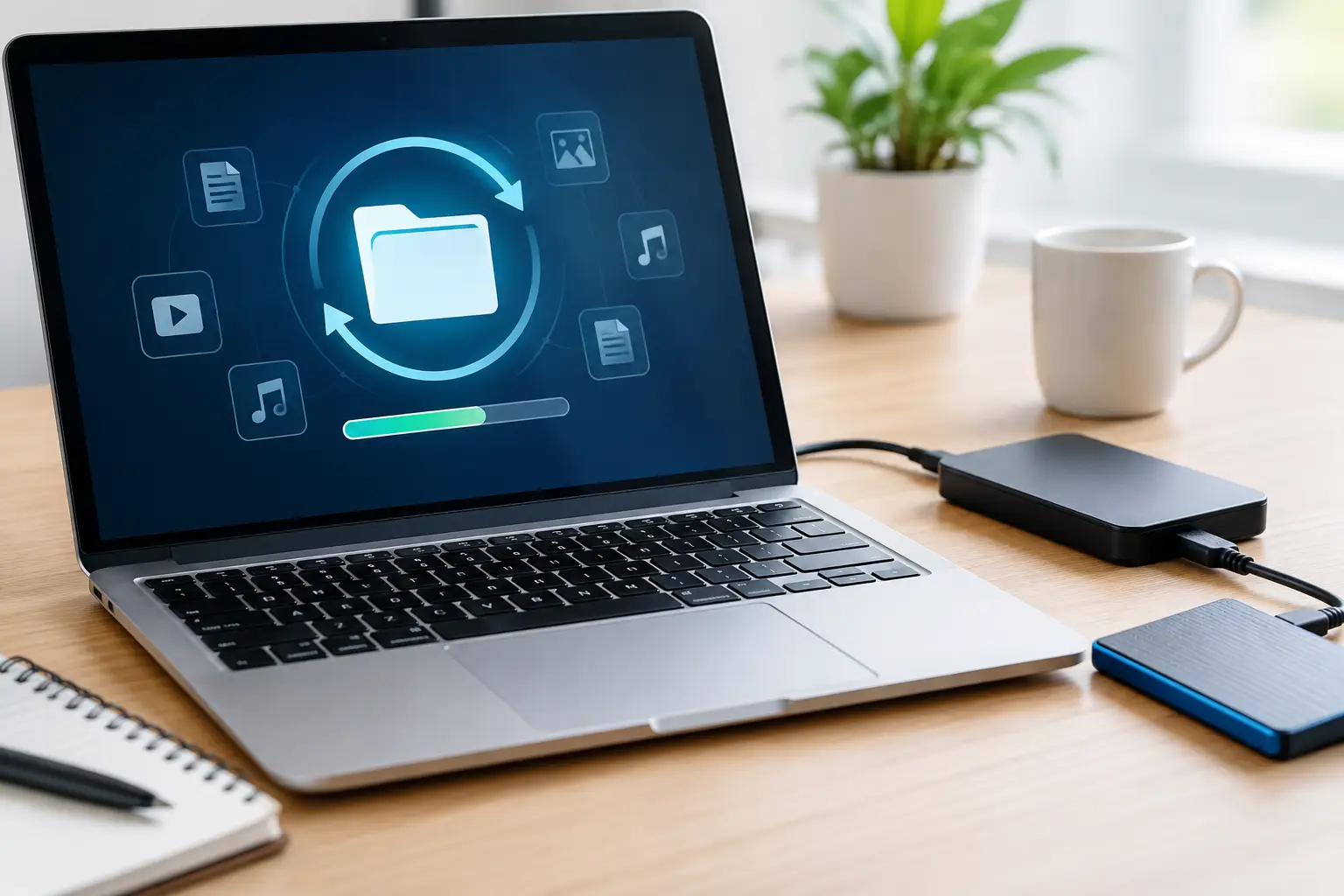
A folder that was there yesterday is suddenly empty. A laptop will not start. An external drive clicks when you plug it in. When important photos, invoices, customer records or schoolwork disappear, the right data recovery options depend less on the error message and...

by | Oct 7, 2026 | Computer services
A new printer should make life easier, not turn a simple job into an afternoon of error messages. Whether it is for school forms at home, invoices in a home office or everyday paperwork in a small business, knowing how to set up a printer properly from the start saves...
by | Oct 5, 2026 | Computer services
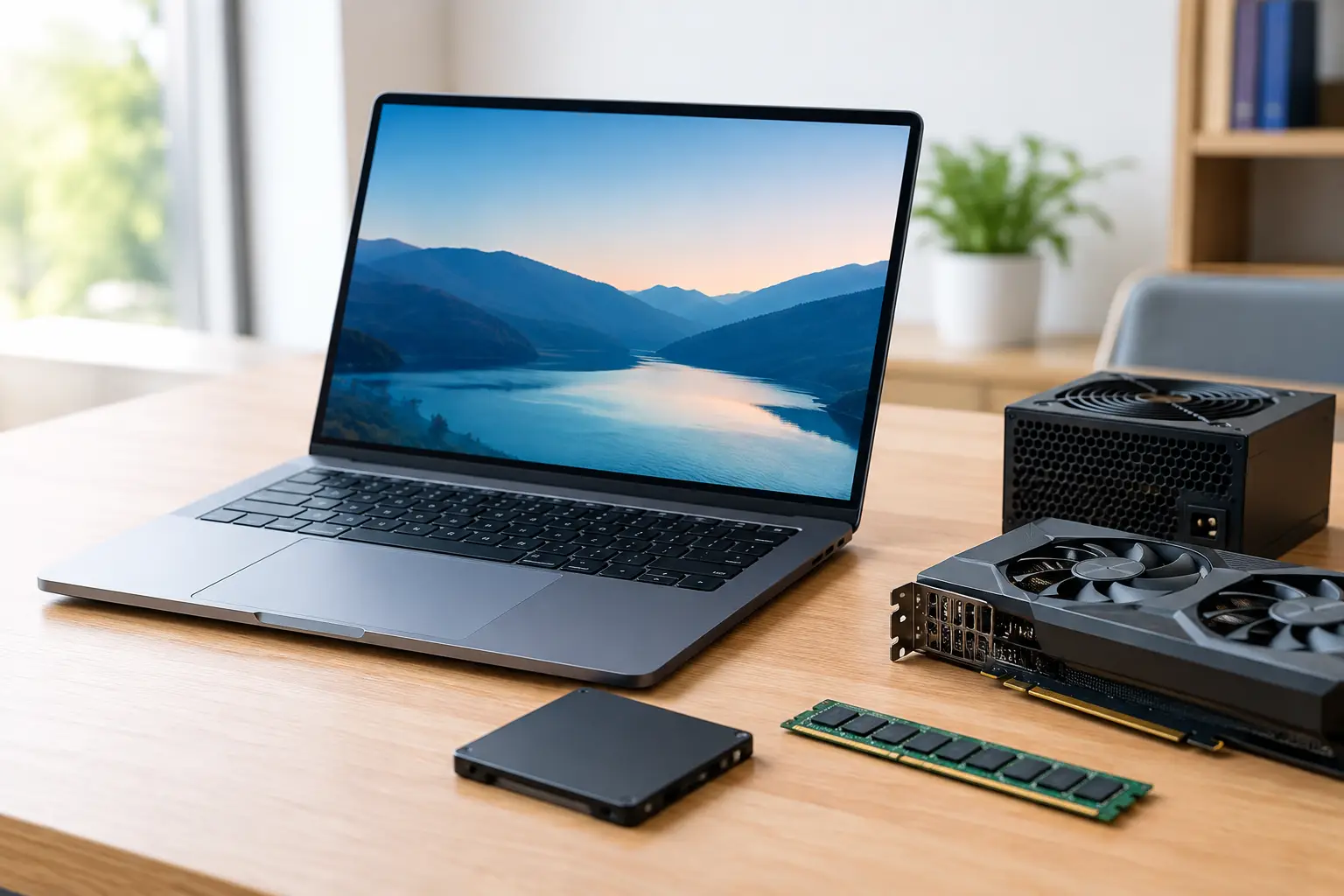
A computer that takes ages to start, freezes while checking emails, or struggles with everyday accounting software can quickly become frustrating. The best upgrades for slow computer performance are usually not the most expensive ones – they are the upgrades...

by | Oct 3, 2026 | Computer services
A home Wi-Fi network is often the front door to far more than internet access. It connects your phones, computers, smart TV, printer, security cameras, work files and sometimes the devices your children use for school. The best ways to secure home Wi-Fi are usually...

by | Oct 1, 2026 | Computer services
A slow shared drive, patchy Wi-Fi in the back office, or a printer that only works from one computer can quickly interrupt a busy day. This small office network example shows how a practical setup can give a local business reliable internet, secure file access and...

by | Sep 29, 2026 | Computer services
A video call that freezes in the back bedroom, a smart TV that drops out after dinner, or an EFTPOS terminal that struggles near the counter usually points to one thing: WiFi coverage. When comparing WiFi extender vs mesh WiFi, the right choice depends less on the...
by | Sep 27, 2026 | Computer services
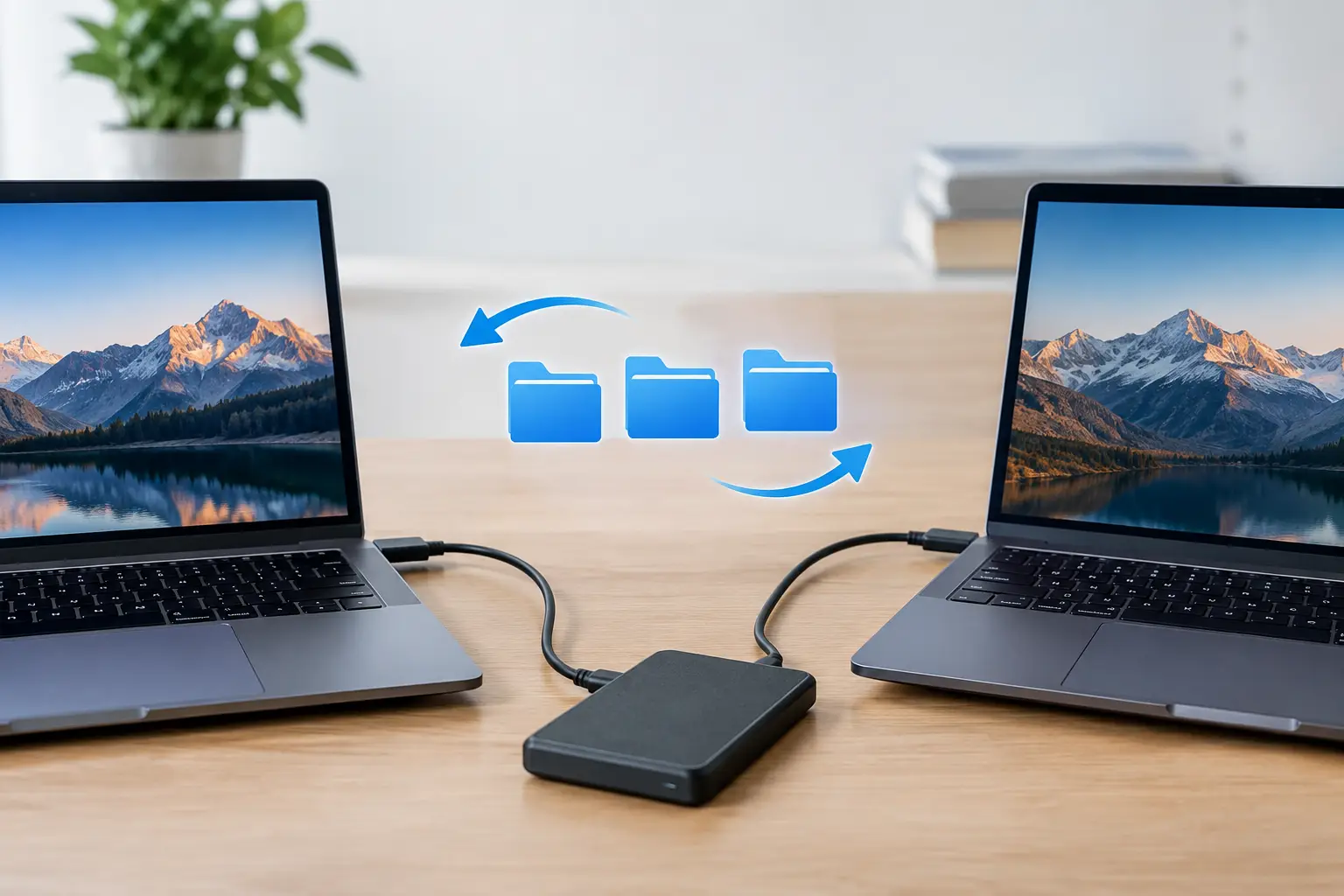
A new computer should feel like an upgrade, not a worry about losing years of photos, emails, documents and business records. When you need to transfer files between computers, the best method depends on how much data you have, whether both computers are working...

by | Sep 25, 2026 | Computer services
A computer that suddenly shows pop-ups, runs slowly or sends strange emails can turn a normal morning into a stressful one. This malware removal example shows the practical steps we would take for a home PC or small business computer in the Caboolture and Moreton Bay...
by | Sep 23, 2026 | Computer services
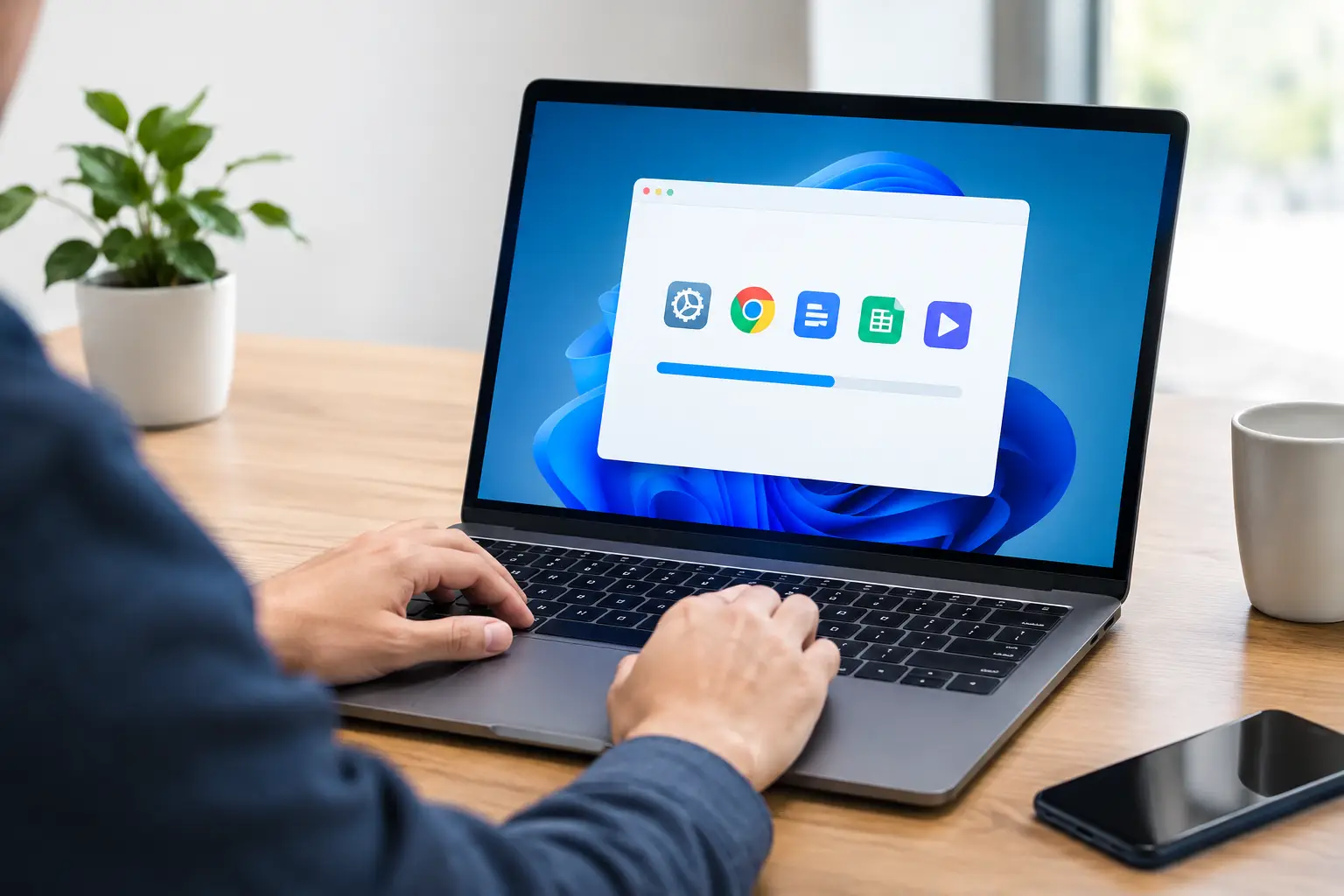
A new computer can feel ready to go the moment it comes out of the box, but the first few hours of setup can determine how reliable it is for years to come. When you install software on a new computer, the goal is not to load every program you might possibly use. It...

by | Sep 21, 2026 | Computer services
A printer that will not connect, a laptop that has suddenly slowed down, or a business computer that cannot access shared files can stop the day in its tracks. When deciding between remote support versus onsite repairs, the best option is usually the one that gets the...
