
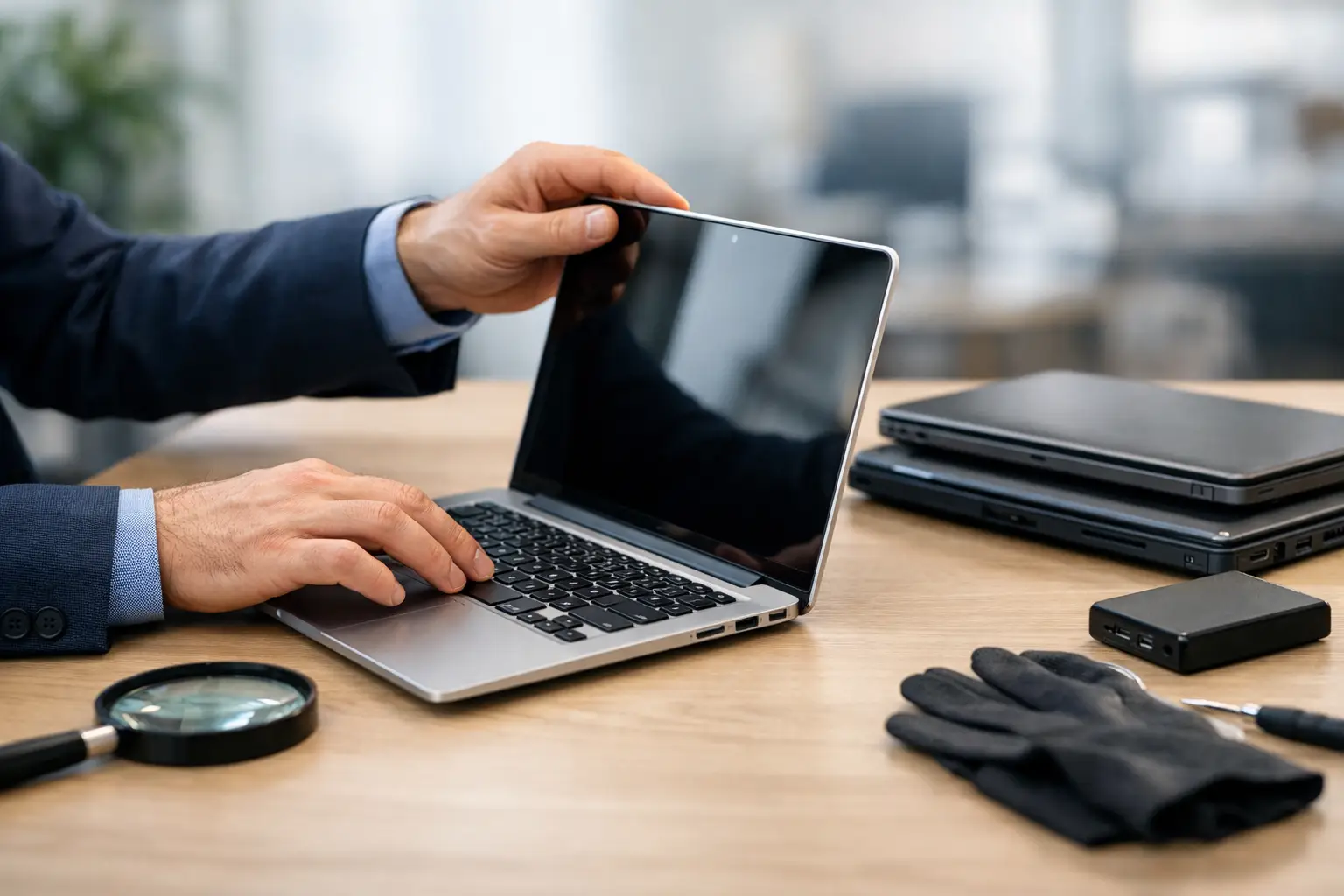
A cheap laptop can become expensive very quickly if it is slow, unreliable or unable to run the programs you need. Knowing how to choose a refurbished laptop means looking beyond the price tag and checking whether the machine suits your everyday work, study, home use or business needs.
A properly refurbished laptop can offer very good value. It may be a higher-quality business model that has been professionally tested, cleaned and prepared for resale, often for less than a new entry-level computer. The key is buying from someone who can clearly explain the laptop’s condition, specifications and warranty.
What does refurbished actually mean?
Refurbished does not always mean the same thing from one seller to another. In the best case, a laptop has been inspected, tested, cleaned, fitted with a fresh operating system and repaired or upgraded where needed. It should be ready to use, not simply switched on to see whether it starts.
Some refurbished laptops were previously used in offices and replaced as part of a regular business upgrade cycle. These machines can be a sensible choice because business-grade models are often built to handle daily use. Others may be customer returns or ex-display stock. Ask why the laptop was refurbished and what work has been completed.
Be cautious of vague descriptions such as “tested working” or “as is”. A computer may turn on and still have a weak battery, worn keyboard, failing storage drive or outdated operating system. Refurbished should mean more than second-hand.
Start with what you need the laptop to do
The right laptop for checking emails and paying bills is not necessarily right for running a small business, managing large spreadsheets or editing photos. Before comparing models, write down the tasks you expect to do most often.
For basic home use, video calls, web browsing, online banking and documents, a recent entry-level or mid-range processor with sufficient memory will usually be suitable. For home-office work, bookkeeping, multiple browser tabs, cloud storage and video meetings, look for extra memory and a solid-state drive. Small business owners may also need specific software, external monitor connections, a webcam, reliable Wi-Fi and enough ports for printers or other equipment.
If you use specialised programs, check their minimum requirements before purchasing. This is particularly relevant for accounting packages, design software, medical or trade applications, and older programs that may not work well with newer versions of Windows.
Choose sensible core specifications
Specifications do not need to be confusing. For most people, the following are practical starting points:
- An Intel Core i5 or AMD Ryzen 5 processor from a reasonably recent generation is a good all-round option for work and home use.
- At least 8GB of RAM is suitable for everyday tasks, while 16GB is a better choice for busy home offices and multitasking.
- A solid-state drive, often called an SSD, makes a major difference to start-up speed and general responsiveness. Aim for 256GB or more if you store files locally.
- A Full HD screen is generally more comfortable for documents, browsing and video calls than an older low-resolution display.
An older i7 processor is not automatically better than a newer i5. Processor generation, available memory and SSD storage often matter more than the badge on the laptop. If the specifications seem unclear, ask for them in writing.
Check Windows 11 compatibility
Windows 10 support ended in October 2025, so it makes sense to buy a laptop that can run Windows 11 properly. A very cheap older laptop may still operate, but it could leave you dealing with software limitations and security concerns sooner than expected.
Ask whether Windows 11 is installed and activated, and whether the device meets its requirements without workarounds. You should receive a legitimate, activated copy of Windows, not a computer that requires you to find or purchase a licence later.
For many users around Caboolture and Moreton Bay, this is one of the most useful reasons to choose a professionally prepared refurbished machine rather than an unknown private sale. The laptop should arrive ready for current software, updates and everyday use.
Inspect the physical condition honestly
Cosmetic wear is normal on a refurbished laptop. Small marks on the lid or light wear around ports may have no effect on performance and can help keep the price fair. What matters is whether the condition has been described honestly and whether the parts you use every day are working properly.
Check the screen for bright or dark spots, flickering, lines and pressure marks. Open and close the lid to make sure the hinges feel firm. Test each key, the trackpad, webcam, speakers, microphone, headphone socket and charging port. If possible, connect to Wi-Fi and test the USB ports as well.
Pay attention to the charger. It should fit securely and charge consistently. A compatible replacement charger may work, but a poor-quality one can cause charging issues and is best avoided.
Ask about battery health, not just battery life
Battery condition is one of the biggest trade-offs with refurbished laptops. Batteries naturally lose capacity over time, even in an otherwise excellent computer. A seller should be able to provide a realistic indication of battery health or expected run time.
There is no single acceptable number because it depends on the laptop’s age, screen size and workload. A machine used mainly at a desk may still be a good buy with a modest battery, provided the price reflects that and the charger is included. If you need to carry it between appointments, classes or rooms throughout the day, battery health should be a higher priority.
Ask whether the battery has been tested, replaced or covered by the warranty. Avoid relying on broad claims such as “battery is good” without further detail.
Look for a real warranty and local support
A warranty is not just a line on an invoice. It tells you what happens if the laptop develops a fault after you take it home. Find out how long the warranty lasts, what it covers and whether there is a clear process for getting help.
A reputable seller should stand behind hardware faults that were not disclosed at sale. Clarify whether the warranty covers the battery, charger and software installation, as these can be treated differently from the laptop itself. Also ask whether you can return the device if it does not match the advertised description.
Buying locally can make this process much easier. You have someone you can speak with, rather than trying to package and post a computer to an online marketplace seller. If you are not confident checking a laptop yourself, a local technician can help assess the options and set it up for you.
Check security and setup before you start using it
A refurbished laptop should be wiped correctly and set up with a clean operating system. It should not contain the previous owner’s files, accounts, passwords or business information. When you receive it, create your own user account and use a strong, unique password.
Make sure Windows updates are installed, security software is active and any unwanted trial programs have been removed. If you are moving from an old computer, plan the data transfer carefully. Documents, photos, email settings, bookmarks and accounting files may all need to be copied across, and it is wise to keep a backup before making changes.
For a small business, consider whether the laptop needs Microsoft 365, cloud backup, printer setup, shared folders, remote access or connection to an existing Wi-Fi network. The purchase price is only part of the decision. A laptop that is correctly configured from the start saves time and prevents avoidable interruptions later.
Compare value, not only the lowest price
When comparing refurbished laptops, put similar machines side by side. Look at the processor generation, RAM, SSD size, screen condition, battery health, operating system, charger and warranty. A slightly more expensive laptop with 16GB of RAM, a larger SSD and a proper warranty can be much better value than a cheaper option with unknown history.
Business-class models from recognised manufacturers are often worth considering because replacement parts, docks and accessories can be easier to source. However, the best model still depends on your needs. A compact 13-inch laptop is easier to carry, while a 15-inch screen may be more comfortable for invoices, documents and daily office work.
A good refurbished laptop should feel like a sensible, dependable tool, not a gamble. Take the time to ask clear questions, and choose a seller who is happy to give straight answers before you hand over your money.