
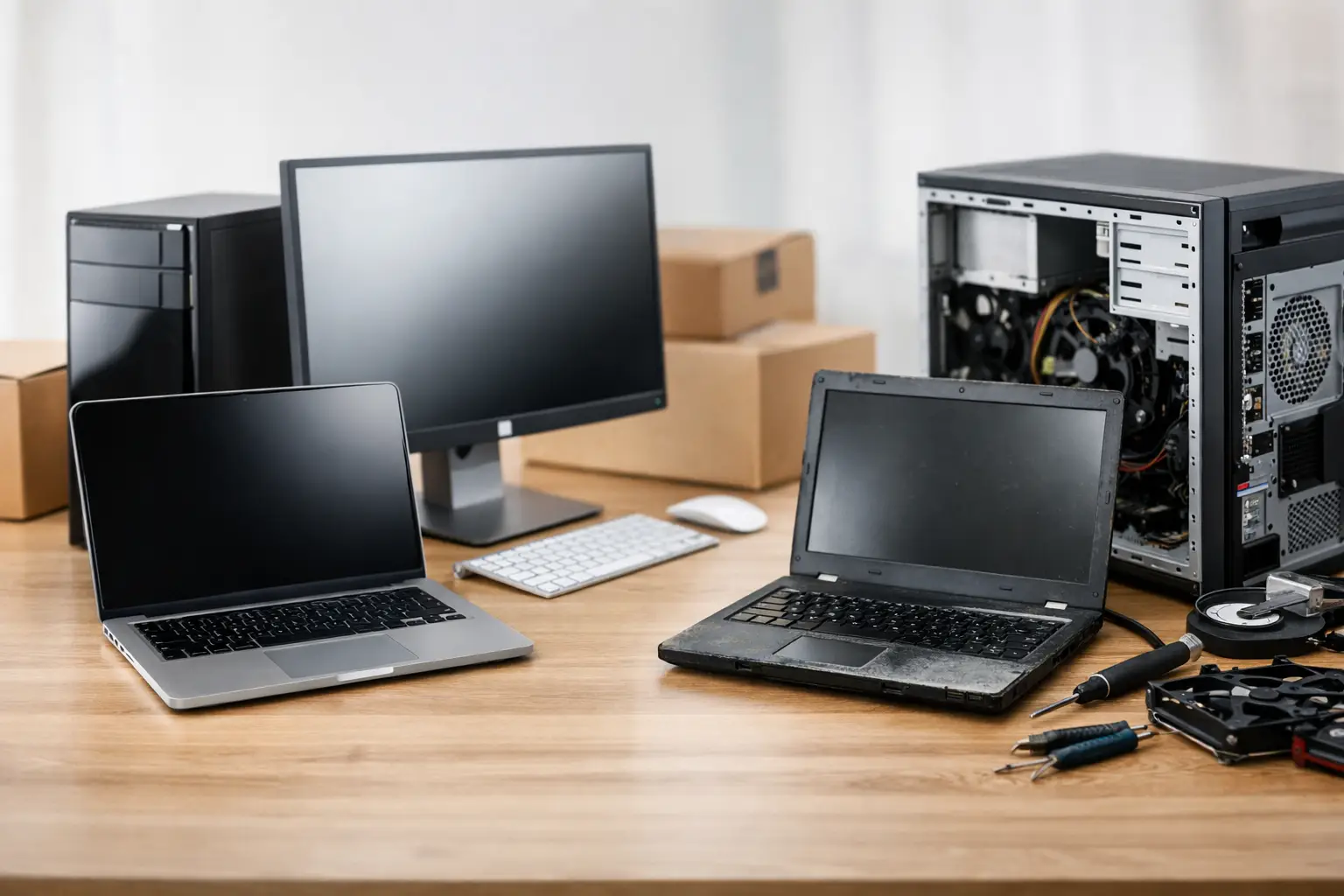
A slow computer has a way of making every task feel harder than it should. Whether you are replacing an ageing family laptop, setting up a home office or buying PCs for a small business, the choice between new vs refurbished computers can affect your budget, productivity and peace of mind for years to come.
A refurbished computer is not automatically a second-rate option, and a new one is not automatically the best value. The right choice depends on what you need the machine to do, how long you expect to keep it and whether it has been properly checked, prepared and supported.
New vs refurbished computers: the key difference
A new computer is sold unused, with current components, a manufacturer warranty and the latest available model features. It is generally the straightforward choice when you need maximum lifespan, specific specifications or the confidence of starting with brand-new hardware.
A refurbished computer has had a previous owner or previous business use, but it has been inspected, cleaned, tested and prepared for sale again. Quality refurbished machines are often ex-lease business computers. Companies commonly replace fleets of computers on a set cycle, even when the equipment is still in good working order. Those systems can offer strong build quality and practical performance at a lower price than an equivalent new machine.
The word “refurbished” matters. It should mean more than a quick wipe of the hard drive. A properly refurbished computer should have its storage checked, operating system freshly installed, updates completed and key components tested. Any faults should be repaired before it reaches the next owner.
When buying new makes the most sense
New computers suit people who want the longest possible working life from their purchase. If you plan to keep a laptop or desktop for five to seven years, starting with current-generation hardware gives you more room for future software updates, growing storage needs and changing work requirements.
They are also a sensible choice for demanding tasks. Video editing, graphic design, 3D work, engineering software, gaming and large spreadsheets can require more processing power, memory and graphics capability than a standard office computer provides. A new custom-built desktop can be configured around those needs rather than asking you to compromise on a pre-owned model.
Battery life is another consideration for laptops. Even a well-maintained refurbished laptop may have a battery with some wear from its previous use. A new laptop generally gives you a fresh battery and the benefit of the latest charging, wireless and display technology.
For a small business, new equipment can be worthwhile when staff rely heavily on their computers every day. The upfront cost is higher, but a standardised set of current machines may be easier to manage, maintain and replace over time. It can also be the better option when a computer needs a particular warranty period or must run specialised software.
That said, new does not mean every model is suitable. A low-priced new computer with limited memory, a small storage drive or an entry-level processor can become frustrating surprisingly quickly. Buying new should still involve checking the specifications against the jobs you actually do.
Where refurbished computers offer better value
Refurbished computers are often an excellent fit for everyday use. Email, internet banking, web browsing, schoolwork, video calls, word processing, cloud accounting and printing do not always need the newest hardware. A well-selected refurbished business desktop or laptop can handle these jobs comfortably while leaving more money in the budget.
For many home users, a refurbished desktop is particularly good value. Business-grade desktop systems are often built for regular use, easy servicing and reliable operation. With a solid-state drive, enough memory and a clean Windows installation, an older business computer can feel quick and responsive for normal household tasks.
Refurbished systems can also make practical sense for a reception desk, workshop, point-of-sale area or occasional office workstation. If the computer is mainly used for invoices, emails, booking systems or online forms, paying for high-end new hardware may not provide much real benefit.
The saving can be significant, but it should not be the only reason to choose refurbished. The value comes from matching a dependable machine to a realistic purpose. A cheap computer that struggles with your software, has an unreliable battery or comes without support is not a bargain.
Check the specifications, not just the price
The label on the computer is less useful than the hardware inside it. Two machines that look similar can perform very differently depending on their processor, memory, storage and condition.
For general home and office work, 8GB of memory is usually a practical minimum, while 16GB gives more breathing room for multitasking. A solid-state drive is strongly preferred over an older mechanical hard drive because it makes startup, opening programs and everyday use noticeably faster. Storage size should suit the way you work, especially if you keep photos, documents or business files on the computer rather than in cloud storage.
It is also worth checking Windows 11 compatibility. Some older computers cannot officially run Windows 11 due to their processor or security hardware. This does not necessarily make them useless, but it affects how long they can receive supported Windows updates. With Windows 10 support having ended in October 2025, buying a computer that is ready for Windows 11 is the sensible path for most people.
For laptops, assess the screen size, keyboard condition, webcam, ports and battery health. If you regularly work away from a power point, battery condition deserves more attention than it would for a desktop that stays in one place.
Warranty and support are part of the purchase
One of the biggest differences between a good refurbished purchase and a risky one is the support behind it. A private sale may look cheap, but it can leave you with no warranty, no setup help and no clear history of the device. It may also still contain old data, software issues or an unknown fault that only appears after a few weeks.
Buying from a reputable local provider gives you someone to speak to if there is a problem. Ask what has been tested, what warranty is included and whether the computer can be set up for your needs before delivery. For many customers, having email, printers, files, Microsoft 365, security software and cloud storage set up properly is as valuable as the computer itself.
For business owners, support is especially important. A computer failure can interrupt invoicing, customer communication and access to records. Spending a little more on suitable hardware, backup arrangements and someone who can assist when things go wrong can prevent a much more expensive interruption later.
Think about the full cost, not only the purchase price
A new computer may cost more initially but last longer and have fewer short-term maintenance needs. A refurbished computer may free up money for useful additions such as a backup drive, larger monitor, Wi-Fi improvements, data transfer or software setup. Neither approach is always cheaper once the full picture is considered.
Before deciding, consider four practical questions:
- What programs and tasks must the computer handle every day?
- Do you need it to last several years, or is it for a simple secondary role?
- Is portability and long battery life essential?
- Will you need help transferring files, connecting printers or setting up the new system?
These answers usually make the decision clearer than comparing sale prices alone.
A practical choice for homes and small businesses
For a family computer used for browsing, emails, schoolwork and online appointments, a quality refurbished desktop or laptop can be a sensible, dependable purchase. For a home office handling multiple programs, regular video meetings and large files, a newer system with extra memory and storage may be the better fit.
For small businesses, a mix can work well. New computers can be assigned to demanding or customer-facing roles, while carefully selected refurbished machines may suit administration, shared workstations or staff with lighter requirements. The important part is ensuring every device is compatible with your software, secure, backed up and supported.
AllTec Computer Services can help local customers assess what they genuinely need before buying, then organise a suitable new or refurbished computer with setup and data transfer taken care of. A computer should make daily life or work easier, not create another problem to solve.